Payday cycle
Your month starts on payday, not on the 1st
If your salary lands on the 25th, your real month runs from the 25th to the 25th. Mastoora builds everything on that cycle: commitments, allowance, and days left.
 Download on the App Store
Free on iPhone · iOS 18.0 or later
Why it matters
Any day of the month
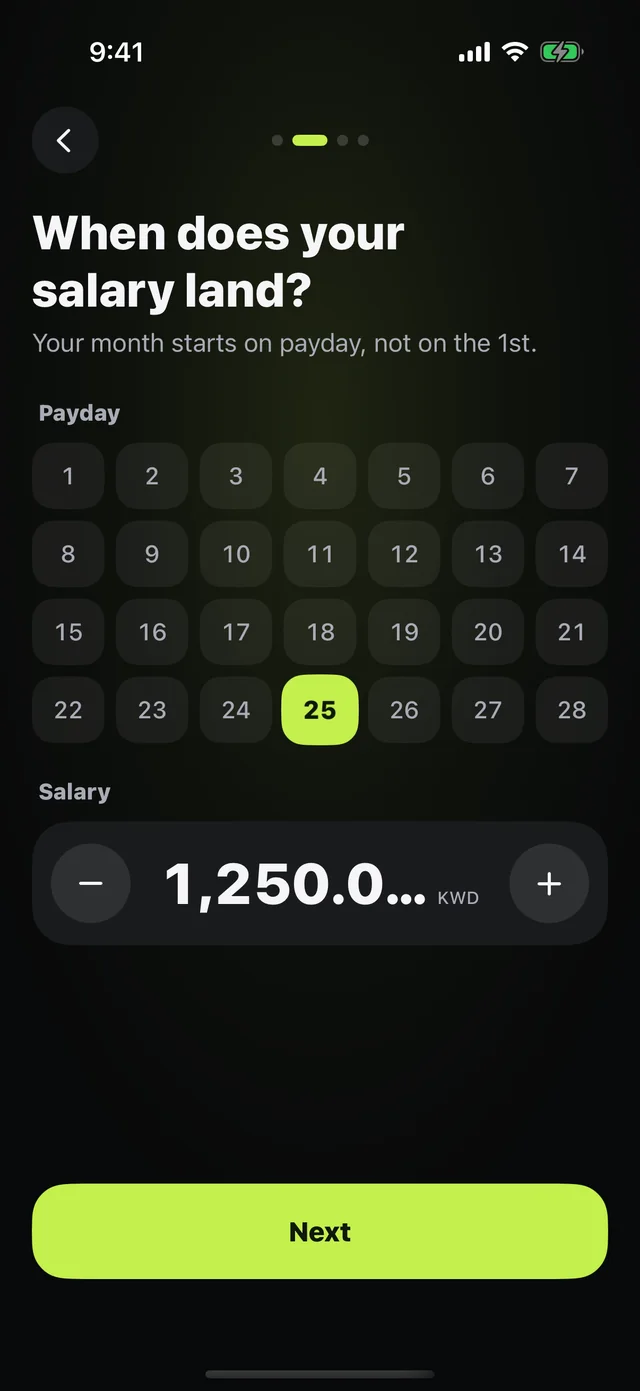
Pick the day your salary lands from the calendar.
Automatic cycles
As soon as payday arrives, a new cycle begins with a fresh allowance.
Days as dots
The month bar shows the days behind you, today, and upcoming withdrawals.
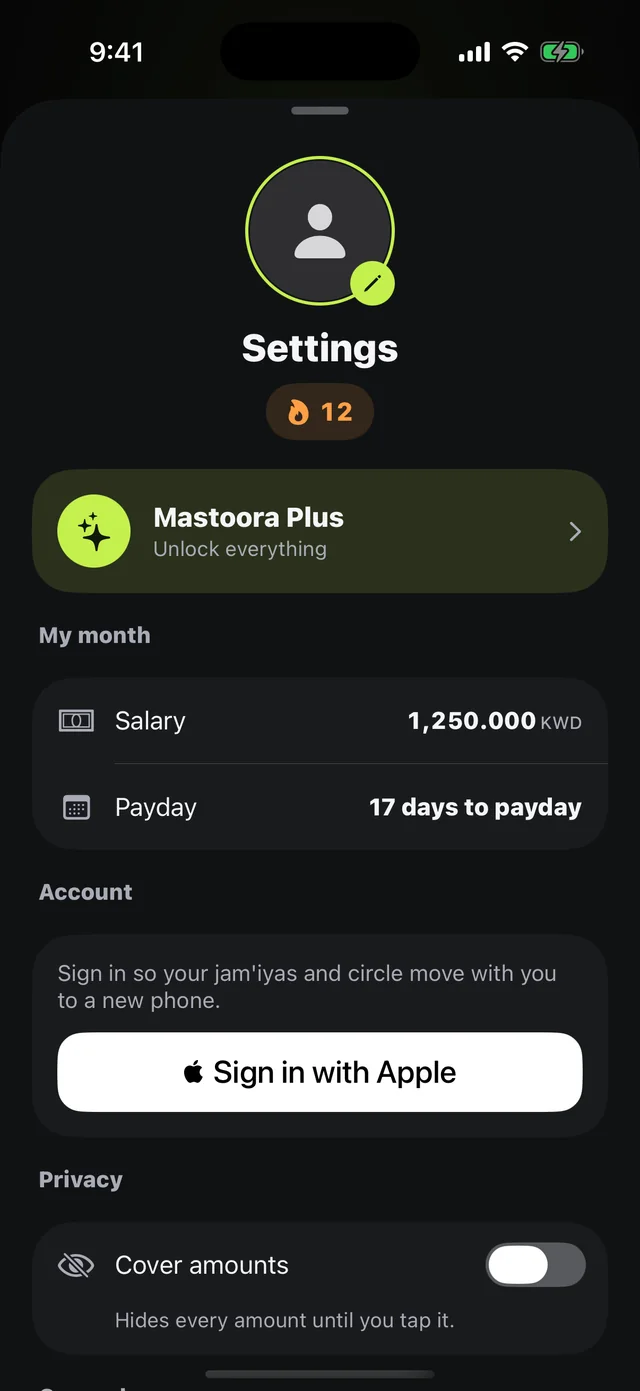
Days to payday
The countdown is always on your receipt and widget.
Due dates in the right cycle
Every commitment's date is worked out inside the current cycle.
Starting mid-month
If you start partway through a cycle, Mastoora estimates what's been spent at the pace of the days.
How to use it
- 1
When does your salary land?
Pick the day during setup.
- 2
How much is it?
Enter the amount; change it anytime in Settings.
- 3
That's it
Mastoora works out the cycle and days left on its own.
Questions about this feature
My payday changes every month+
Pick the closest day and adjust it in Settings in any month it moves.
I have income besides my salary+
If it's steady, add it to the monthly amount so it counts toward your allowance.
More features
Keep your month covered
Download Mastoora, add your commitments in a minute, and see your real number for today.
Download on the App StoreFree on iPhone · iOS 18.0 or later