Widget
Today's allowance on your screen, without opening the app
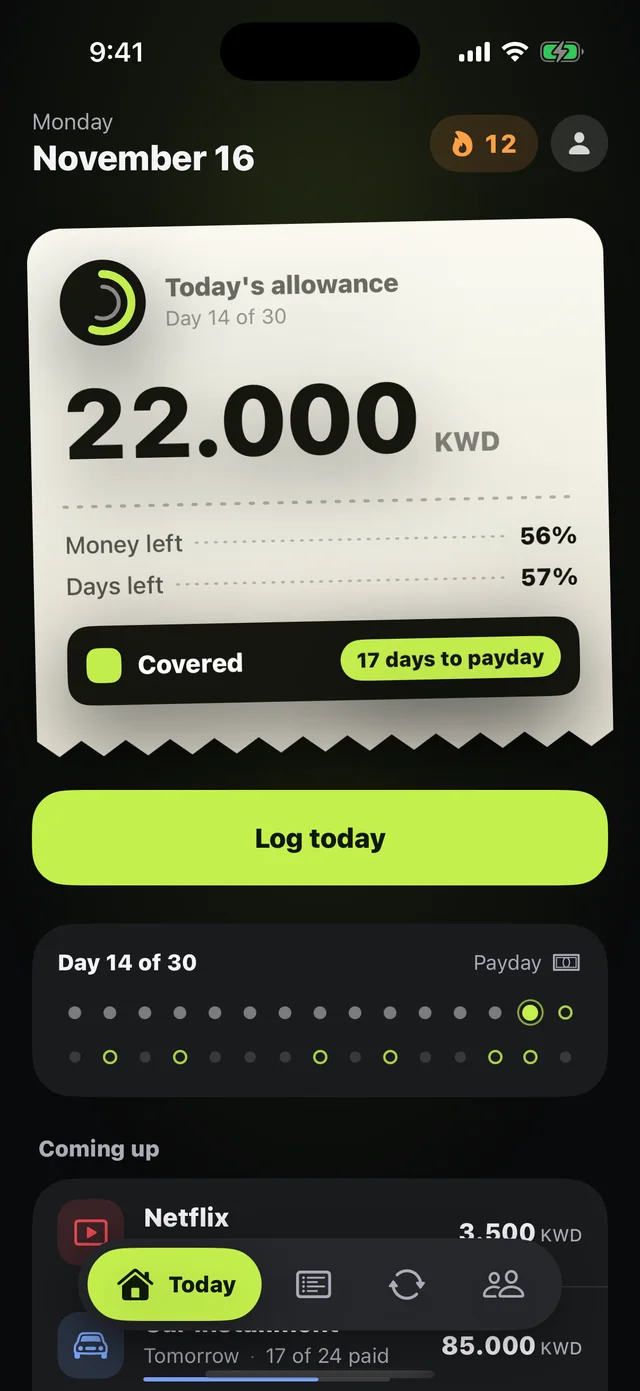
The Mastoora widget shows today's number, your status, and how long until payday, on your Home Screen and Lock Screen.
 Download on the App Store
Free on iPhone · iOS 18.0 or later
Why it matters
Small
Today's allowance and your status ring.
Medium
Today's allowance with the next withdrawal and days to payday.
Lock Screen
Circular, rectangular, and an inline line above the clock.
Updates itself
After midnight it moves to the new day's allowance without opening the app.
Respects cover amounts
If Cover amounts is on, the widget hides amounts too.
Every widget with Plus
All sizes and the Lock Screen are part of Mastoora Plus.
How to use it
- 1
Touch and hold the Home Screen
Until the apps jiggle, then tap Edit › Add Widget.
- 2
Search for Mastoora
Pick the size you like.
- 3
For the Lock Screen
Touch and hold the Lock Screen › Customize › add a Mastoora widget.
Questions about this feature
The widget isn't updating. What should I do?+
Open the app once; any log or edit refreshes the widget right away. Also make sure Background App Refresh isn't turned off.
Does the widget send my numbers anywhere?+
No. It reads from a space on your device that only the app and its widget share.
More features
Keep your month covered
Download Mastoora, add your commitments in a minute, and see your real number for today.
Download on the App StoreFree on iPhone · iOS 18.0 or later