Subscriptions
How to cancel subscriptions on iPhone: the complete guide
A subscription you forgot about keeps charging your card every month without a word. The good news: canceling subscriptions on iPhone takes less than a minute, whether you're stopping one or reviewing all of them at once.
Every subscription you started inside an iPhone app is managed by your Apple Account, not by the app itself. That means deleting the app does not cancel the subscription, and the charges continue until you cancel it in Settings. Here are both ways to do it, followed by what to know about free trials, refunds, and subscriptions billed outside Apple.
Two ways to cancel a subscription
Option 1: From Settings
- Open Settings on your iPhone.
- Tap your name at the top of the screen.
- Tap Subscriptions. You'll see your active subscriptions, with expired ones listed below.
- Tap the subscription you want to stop.
- Tap Cancel Subscription, then confirm.
If you don't see a cancel button, the subscription has most likely been canceled already, and you'll see the date it ends underneath.
Option 2: From the App Store
- Open the App Store app.
- Tap your profile picture in the top corner.
- Tap Subscriptions.
- Choose the subscription and tap Cancel Subscription.
Both routes lead to the same page, so use whichever is easier. There's no single button to cancel all subscriptions on iPhone; you go down the list and cancel each one separately.
What happens after you cancel?
- You keep access until the end of the paid period. If you paid for a full month and cancel halfway through, the service keeps working until that month ends, then stops.
- It won't renew afterward, and no new charge is made.
- Your data inside the app usually stays as it was, though this varies from app to app.
- You can resubscribe anytime from the same page.
Free trials: cancel at least 24 hours before renewal
Most free trials turn into a paid subscription automatically when they end. App Store subscriptions renew unless canceled at least 24 hours before the end of the current period, so don't wait until the last day. Also note that some apps end your access immediately when you cancel a free trial. If you want the full trial, write down the end date and cancel two days before it.
Whenever you start a free trial, set a reminder for its end date that same day. That one small habit prevents most unwanted charges.
Getting a refund for an unwanted charge
If a subscription renewed when you didn't mean it to, you can ask Apple for a refund at reportaproblem.apple.com: sign in with your Apple Account, choose "Request a refund," then pick the reason and the purchase. Apple makes the decision and not every request is approved, but asking right after the charge is better than waiting.
Subscriptions that don't appear in Apple's list
If you see a charge on your statement but can't find the subscription in Settings, there are a few likely reasons:
- You signed up on the provider's website or in an app on another device, so you cancel it in your account on that company's site.
- It's billed to your cell phone plan as an add-on, so you cancel it in your carrier's app or by contacting the carrier.
- It's on a different Apple Account, such as an old account or a family member's.
Keep a list so you know what to cancel
Canceling is easy. The hard part is remembering what you pay for in the first place. That's why getting subscriptions under control starts with one clear list. We cover how to build it in how to track subscriptions.
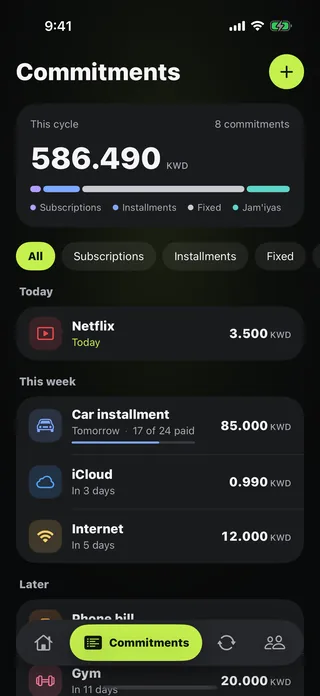
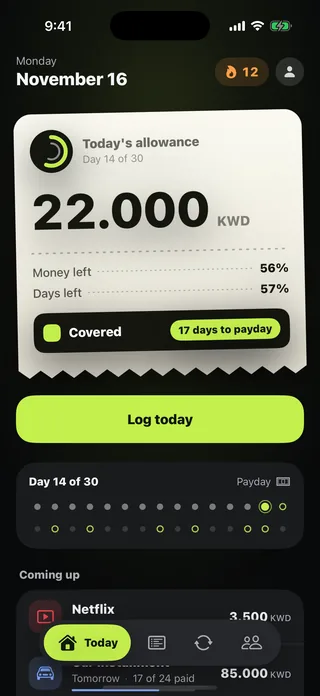
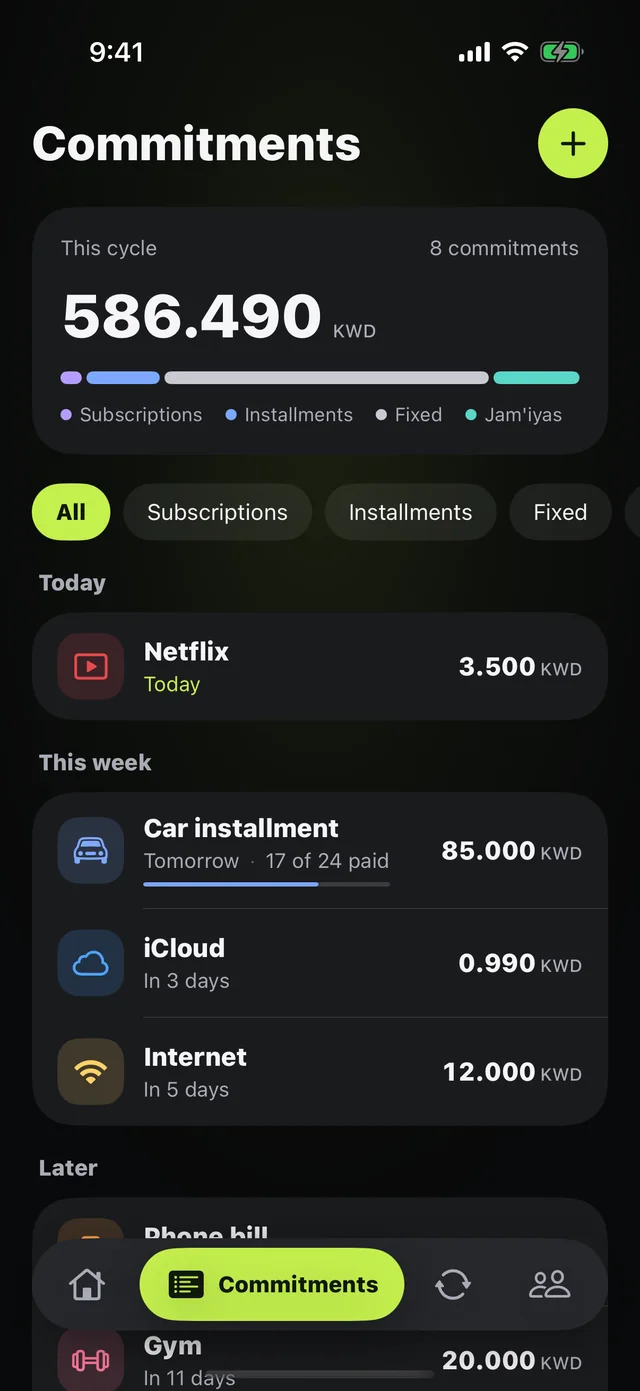
In Mastoora, you add your subscriptions to Commitments once: prices for popular services are ready, or you type a name, amount, and due day. You see the month's total and what's coming up, and you get a notification at 10 a.m. the day before every withdrawal, which is enough time to decide whether to keep a subscription or cancel it. Learn more about the commitments tracker.
Mastoora is not affiliated with Apple or any service mentioned in this article.

Try Mastoora free
Add your commitments once, and Mastoora tells you every day what you can spend.
Download on the App StoreThis article is general information, not financial advice.
Frequently asked questions
Does deleting an app cancel the subscription?+
No. The subscription is tied to your Apple Account and keeps charging until you cancel it in Settings › your name › Subscriptions.
Do I lose access right away when I cancel?+
Usually not. It stays active until the end of the paid period, though some free trials end as soon as you cancel.
How do I cancel all subscriptions on iPhone at once?+
There's no button that cancels them all together. Open Settings › your name › Subscriptions and cancel each one separately.
How do I get a refund for a subscription that renewed by mistake?+
Request one at reportaproblem.apple.com with the same Apple Account. Apple decides, and the outcome depends on the case.