Salary & budget
The 50/30/20 rule: how to apply it to your salary
The 50/30/20 rule is one of the simplest ways to split a paycheck: half for needs, almost a third for wants, and a fifth for savings. Here's how it works with real numbers on a Kuwaiti salary, and when it needs adjusting.
The idea is that you don't have to track every fils. You split your salary into three clear buckets and make sure one doesn't eat into another. It's a good starting point if you've never made a budget before.
What do 50, 30, and 20 mean?
- 50% for needs: what you can't go without this month, like housing, transportation, bills, and basic groceries.
- 30% for wants: what makes life nicer but is optional, like restaurants, coffee, shopping, travel, and entertainment subscriptions.
- 20% for savings: an emergency fund, a specific goal, or paying off debt early.
A worked example on a 1,250 KWD salary
| Bucket | Share | Amount (KWD) | Examples |
|---|---|---|---|
| Needs | 50% | 625.000 | Rent 350, car installment 150, bills 60, groceries 65 |
| Wants | 30% | 375.000 | Dining and coffee, shopping, subscriptions, outings |
| Savings | 20% | 250.000 | Emergency fund or a set goal |
| Total | 100% | 1,250.000 |
Notice the needs bucket is completely full: 350 + 150 + 60 + 65 = 625 KWD. Any increase in rent or the installment will squeeze your wants or your savings right away.
What counts as a need in the Gulf?
- Rent or a housing payment, usually the biggest line.
- The car installment and gas, since a car is the main way most people get around.
- Fixed bills: electricity and water, internet, and your cell phone plan.
- Basic groceries and any payment you can't stop, such as an existing loan installment.
An extra streaming subscription or an installment on a gadget you bought because you wanted it, not because you needed it, belongs in wants, even if it's withdrawn automatically.
When the rule doesn't fit, and how to adapt it
If rent alone is close to half your salary, 50% won't cover your needs. Don't drop the rule; adjust the split and protect your savings. On a 1,250 KWD salary, 60/20/20 becomes 750 for needs, 250 for wants, and 250 for savings.
- 60/20/20 when housing is expensive and you want to protect savings.
- 50/20/30 when you're paying off debt and want it gone faster.
- 70/20/10 temporarily in tight months, with a plan to raise savings again.
Save first, on payday. Whatever you move to a separate account first won't get spent by accident at the end of the month.
Turn your wants into a daily number with Mastoora
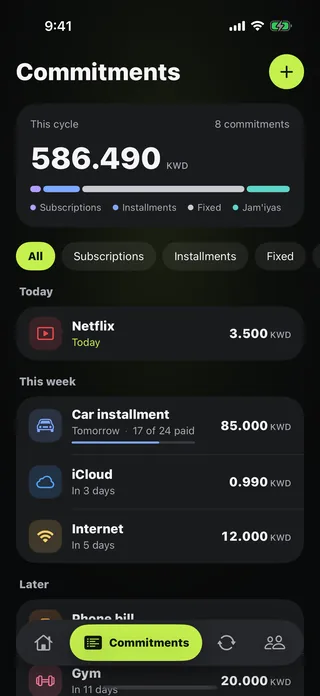
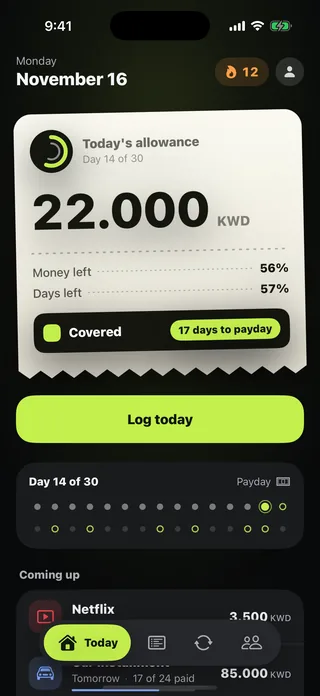
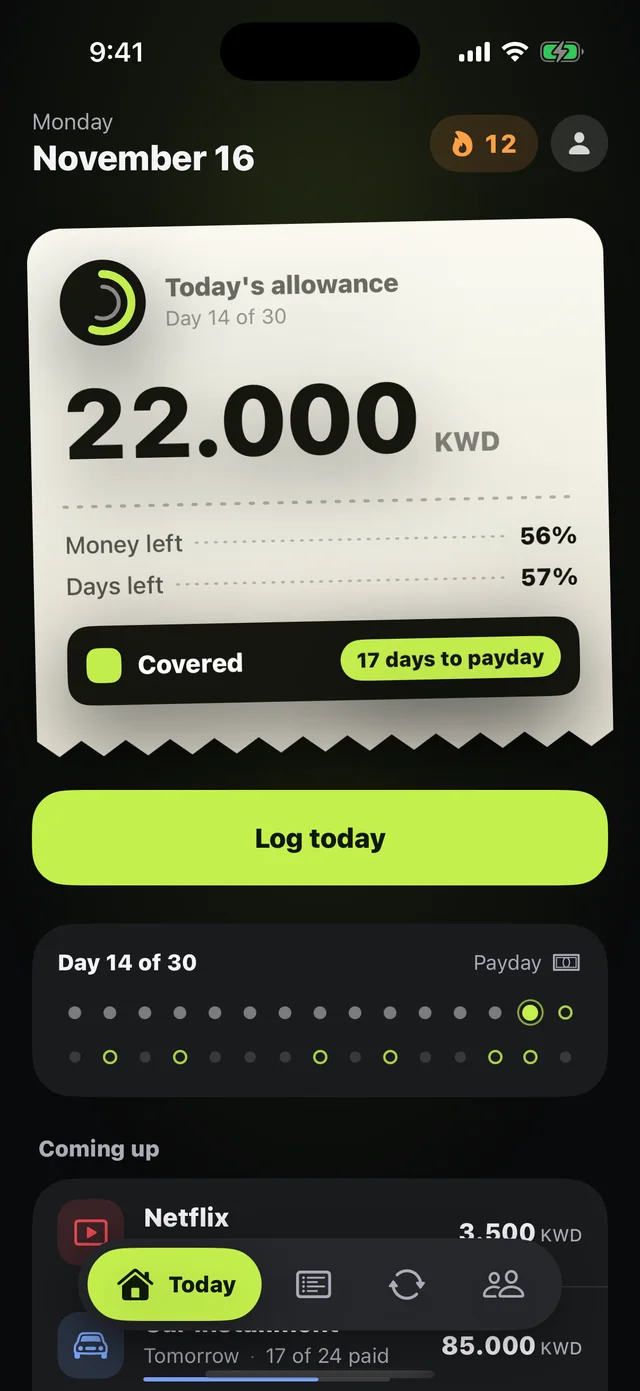
The hard part isn't the split; it's knowing what's left for today. Mastoora takes your commitments out of your salary and divides the rest by the days until your next payday, so you get "Today's allowance" every morning.
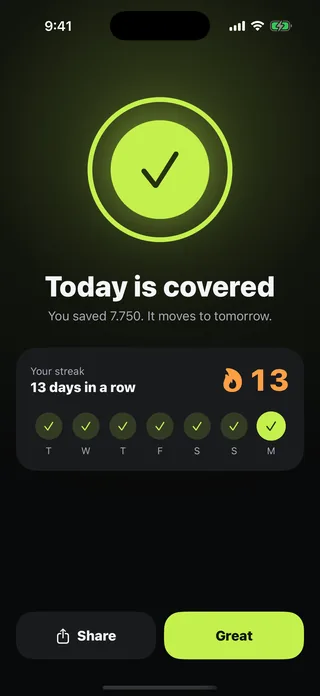
For example: after moving 250 to savings, 1,000 is left. Add rent, the installment, and bills (560) in Commitments, and 440 remains for groceries and wants, about 14.667 KWD a day over a 30-day cycle. Save today, and the difference moves to tomorrow.
For a more detailed, step-by-step approach, read how to split your paycheck.

Try Mastoora free
Add your commitments once, and Mastoora tells you every day what you can spend.
Download on the App StoreThis article is general information, not financial advice.
Frequently asked questions
Is the 50/30/20 rule based on gross or net salary?+
Use your net salary, the amount that actually lands in your account, since that's what you're splitting.
Is a jam'iya a need or savings?+
If the jam'iya is for a savings goal, count its payment in the 20%. Read the jam'iya guide to organize one.
What if my needs are more than 50%?+
Adjust the split to something like 60/20/20, and keep a fixed share for savings, even a small one.