Jam'iya
Jam'iya schedule: a rotating savings template and how to track payments
Every jam'iya needs one schedule everyone can check: whose turn it is this month, who has paid, and who hasn't. Here's a ready template to build on and a simple way to keep it up to date month by month.
A schedule isn't extra bureaucracy. It's the one thing that keeps a jam'iya (a rotating savings circle) running without awkward moments or misunderstandings, especially with many members or a long run. If you haven't set yours up yet, start with the jam'iya guide.
Jam'iya schedule template: 10 members × KWD 100
A jam'iya with 10 members, a monthly share of KWD 100.000, and payments due on the 28th of each month. Every month, KWD 1,000.000 is collected and goes to the member whose turn it is:
| Month | Turn | Member | Payout (KWD) |
|---|---|---|---|
| January 2027 | 1 | Sarah (organizer) | 1,000.000 |
| February 2027 | 2 | Khaled | 1,000.000 |
| March 2027 | 3 | Noura | 1,000.000 |
| April 2027 | 4 | Fahad | 1,000.000 |
| May 2027 | 5 | Maryam | 1,000.000 |
| June 2027 | 6 | Abdullah | 1,000.000 |
| July 2027 | 7 | Haya | 1,000.000 |
| August 2027 | 8 | Yousef | 1,000.000 |
| September 2027 | 9 | Dana | 1,000.000 |
| October 2027 | 10 | Bader | 1,000.000 |
By the end of October 2027, every member has paid 10 shares totaling KWD 1,000.000 and received KWD 1,000.000 once. With a different number of members or share, the same template works: payout = share × number of members, and the jam'iya lasts as many months as it has members.
How to track payments each month
The turn schedule stays fixed, but payments change every month. So alongside each month you need a short list of all 10 members, and next to each name: paid or not, and the date.
- Two days before the due date: remind everyone of the date and whose turn it is.
- On the due date: mark everyone who has paid, and keep proof of each transfer.
- After the due date: reach out privately and calmly to anyone who hasn't paid.
- Once all shares are in: confirm that the member whose turn it is received the full payout, and record it.
- At the start of next month: begin a fresh list for the next turn.
Set the due date a day or two after most members get paid. That alone cuts late payments more than any reminder.
Reminding members without the awkwardness
- A general message before the due date works better than a personal one after it, because it doesn't single anyone out.
- Name whose turn it is: "It's Khaled's turn this month" makes the payment about a person everyone knows.
- After the due date, a private message only to those who haven't paid, never naming names in the group.
- Agree on a grace period at the start so reminders never feel personal.
Why an app beats a paper table or a WhatsApp group
A paper table or a spreadsheet on the organizer's phone keeps the information, but members only see it if it's sent to them. In a WhatsApp group (Mastoora isn't affiliated with WhatsApp), "Sent it" gets buried under dozens of messages, and every month it gets harder to scroll back and check who paid. An app solves both: one record everyone can see, and every member updates their own payment.
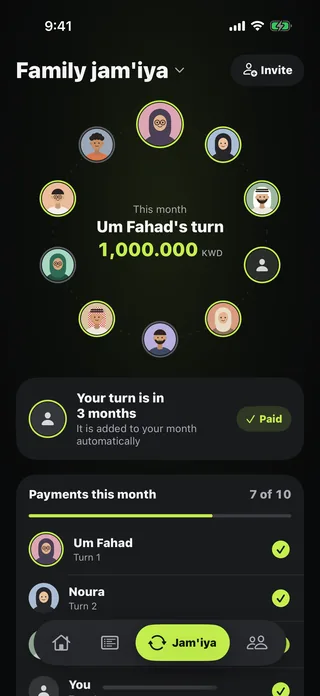
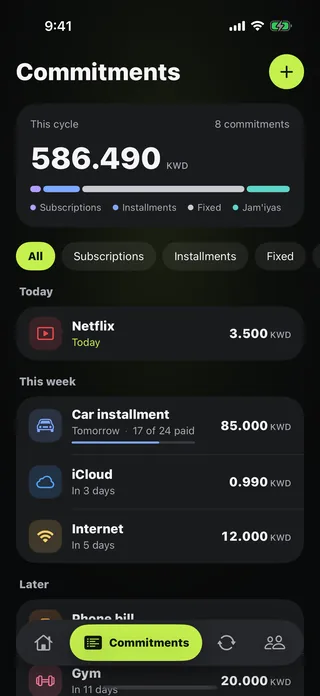
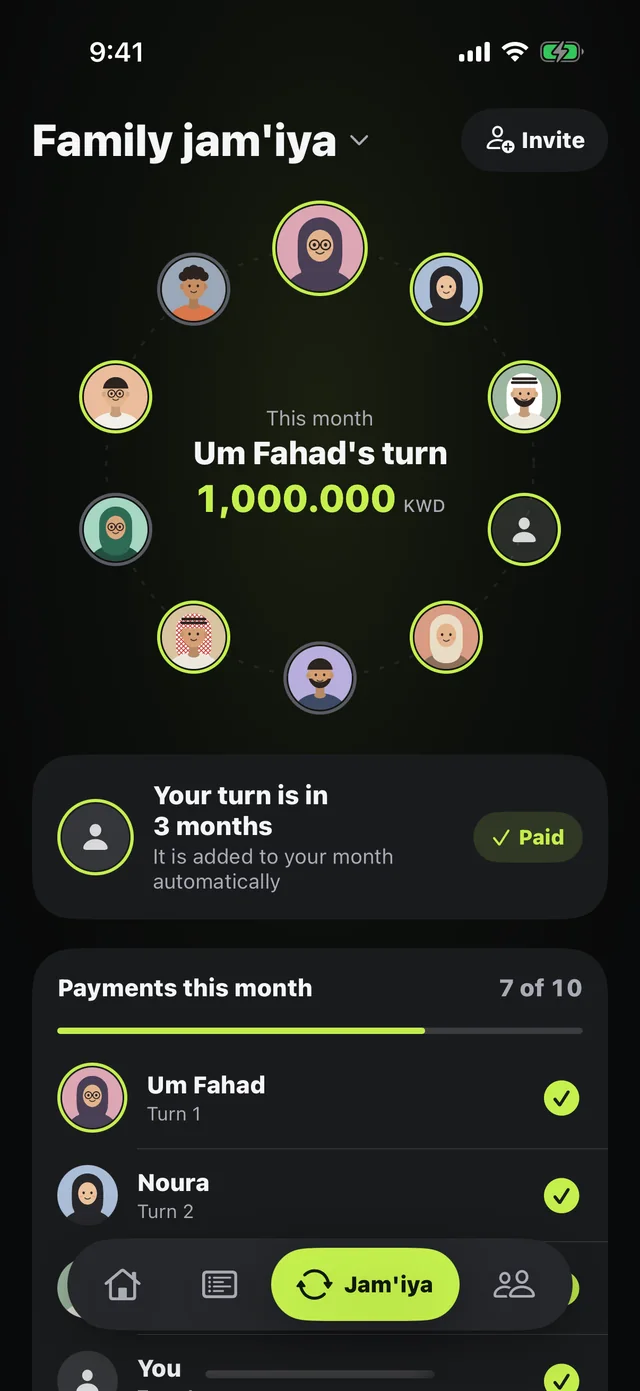
With Jam'iya in Mastoora, you tap "Start a jam'iya," enter the share and the members in turn order, and the same schedule is laid out for you. Each member joins from the invite link, sees "Your turn is in N months," and marks their payment. The organizer sees who has paid this month and sends "Remind the rest" as a ready-made message. Mastoora never holds or moves any money, and your share is added to Commitments automatically.

Try Mastoora free
Add your commitments once, and Mastoora tells you every day what you can spend.
Download on the App StoreThis article is general information, not financial advice.
Frequently asked questions
How do I calculate the payout in a jam'iya?+
Multiply the monthly share by the number of members. For example, 10 members × KWD 100.000 = KWD 1,000.000 per turn.
Can I add a member who doesn't have the app?+
Yes. In Mastoora you add them by name in their turn, and the organizer can mark their payment. When they join from the link, they pick their seat.
What if a member wants to swap turns?+
Go back to the rule you agreed on at the start. Usually a swap happens when both members agree, and the schedule is updated so everyone can see it.